← Back to home
Guide
Location Changer: How it works
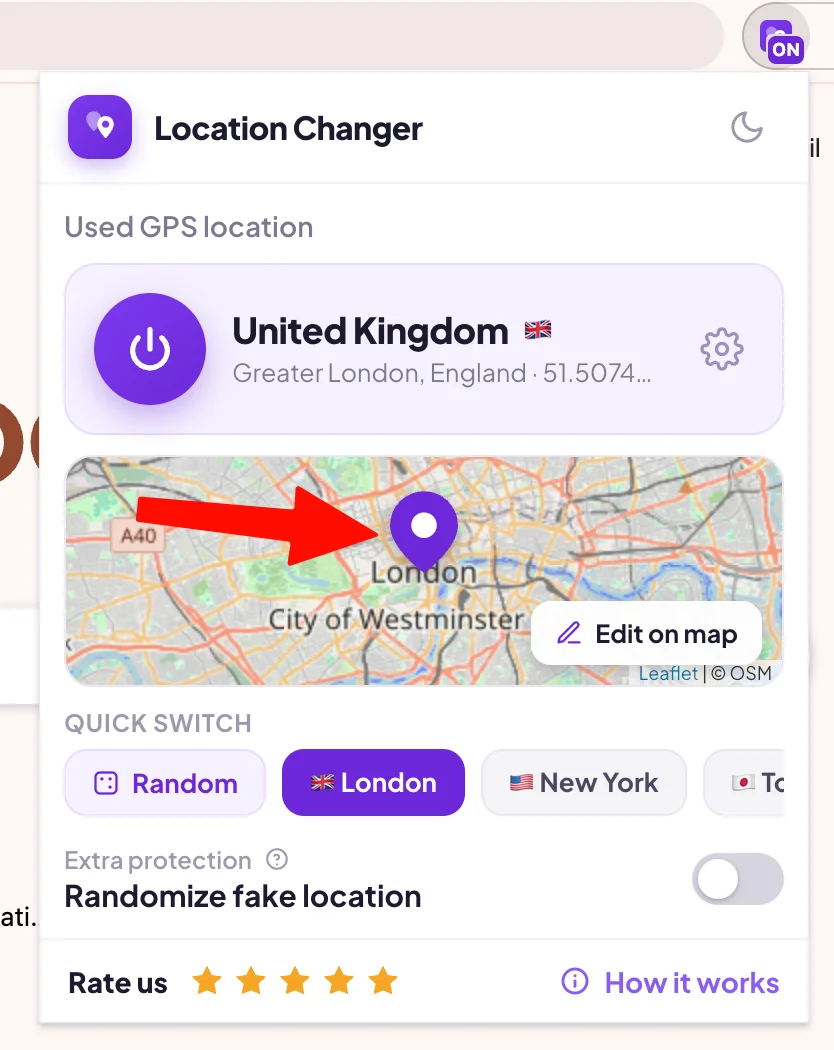
1. Pick a location and turn it on
Open the popup from your toolbar, choose a place and hit the power button. An ON badge appears on the extension icon.
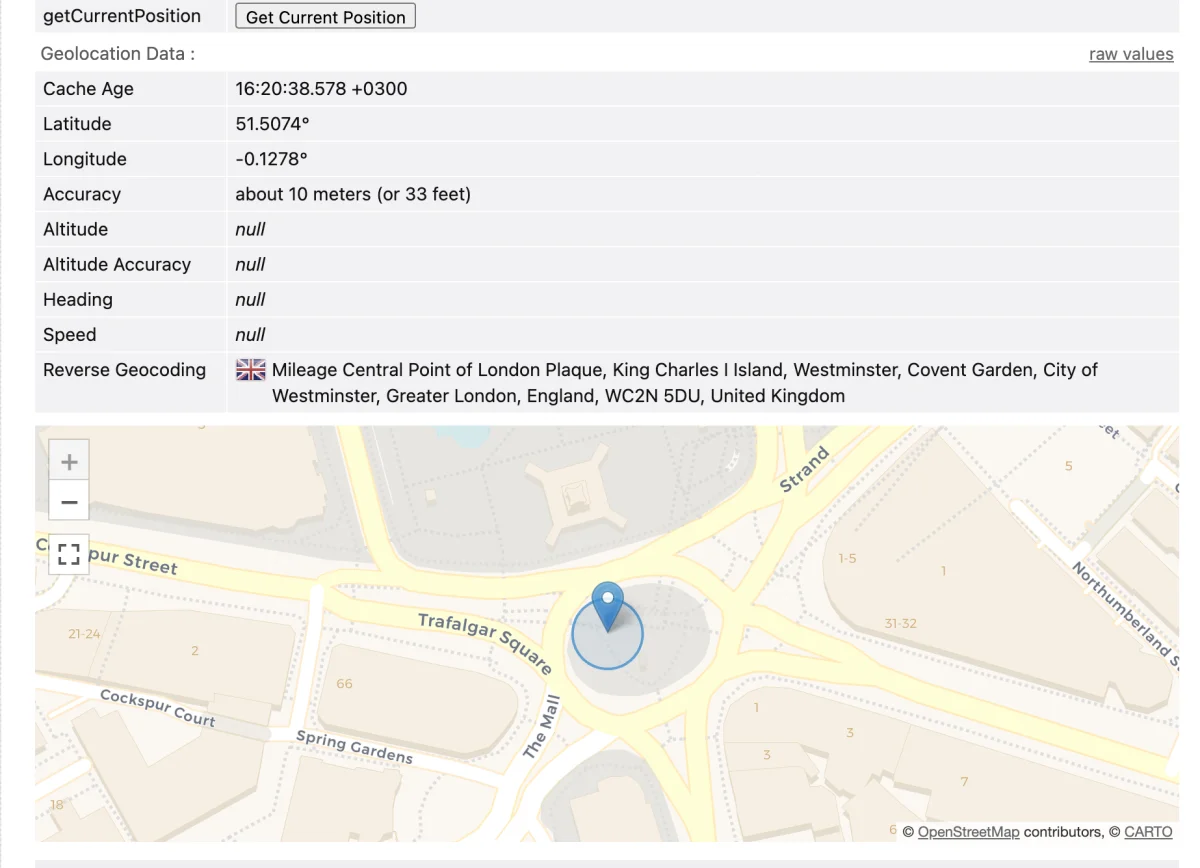
2. Check it
Open browserleaks.com/geo — the coordinates match London.
Location Changer vs VPN
A VPN changes your IP. Location Changer changes your GPS.
A VPN can’t fake the “Allow location?” prompt — your real coordinates leak right through it. That’s exactly what we fix.